 Interactive demo · AI
AI analysis of scheduling data: the quality of the data comes first
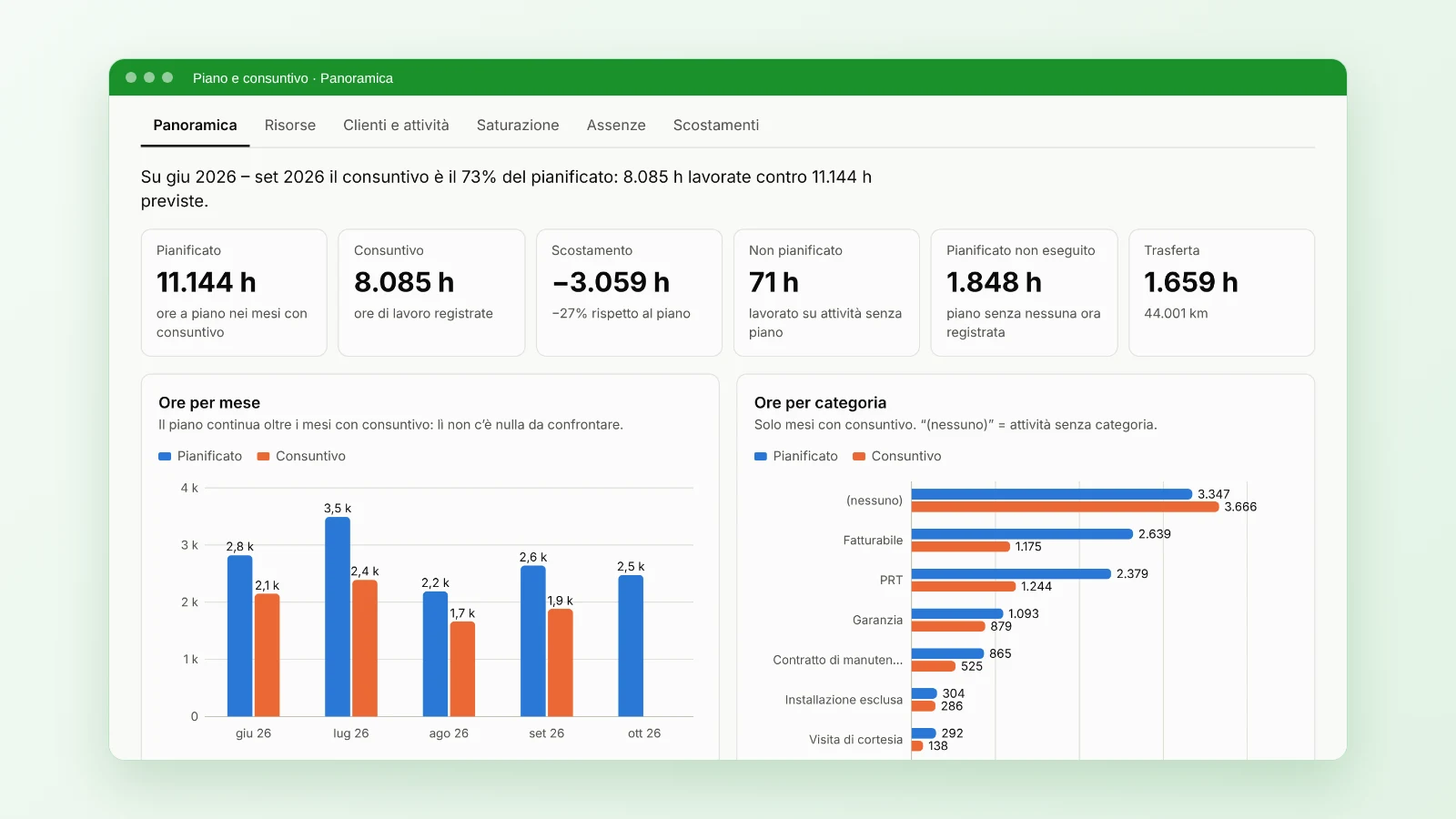
An interactive dashboard that shows what an AI tool can do with PlanningPME and PlanningConnect data, and why precise data makes the difference.

Practical help for planning people, machines and projects
Guides that help you choose and use scheduling software, starting from the tools you already know.
New guides are added here as we publish them.
Interactive demo · AI
An interactive dashboard that shows what an AI tool can do with PlanningPME and PlanningConnect data, and why precise data makes the difference.
 Free download · Timesheets
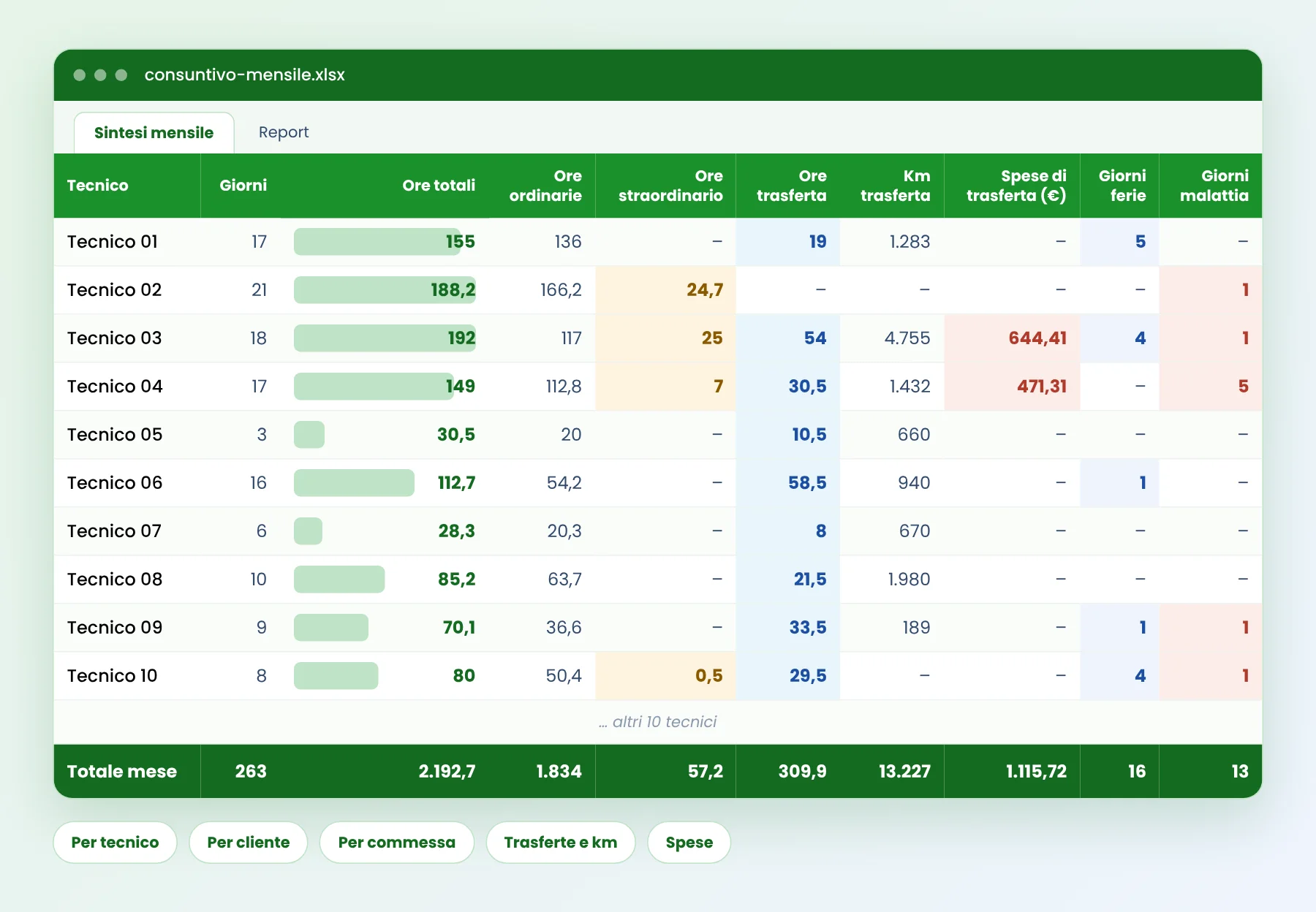
A real month of hours, travel, kilometres and expenses by technician, client and job order, produced automatically by PlanningConnect. Download the example file.
 Guide · AI and Excel
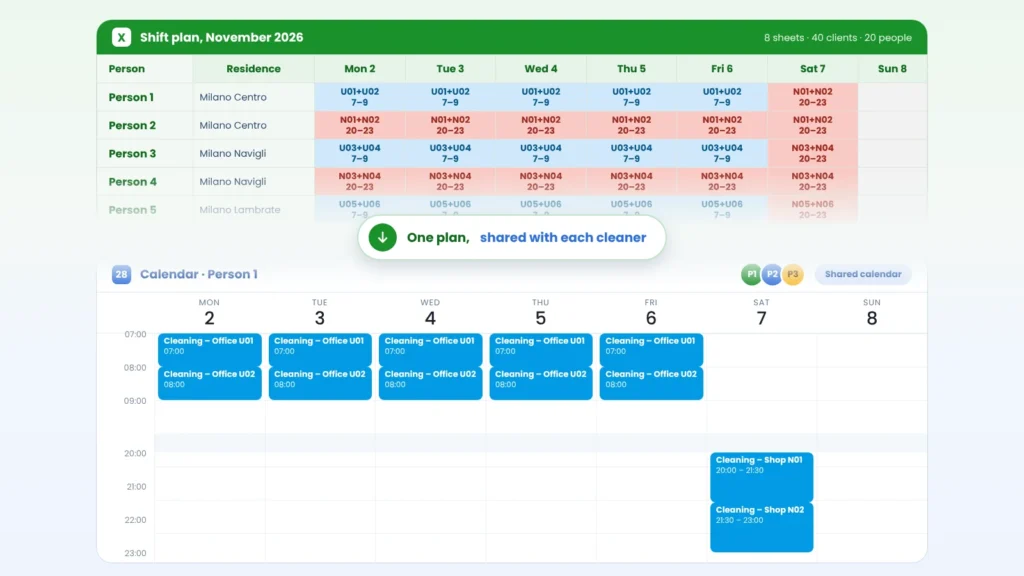
A real test with 40 clients and 20 cleaners: what an AI assistant and an Excel file can do, where they stop, and a free example file to download.
 Tip · Project planning
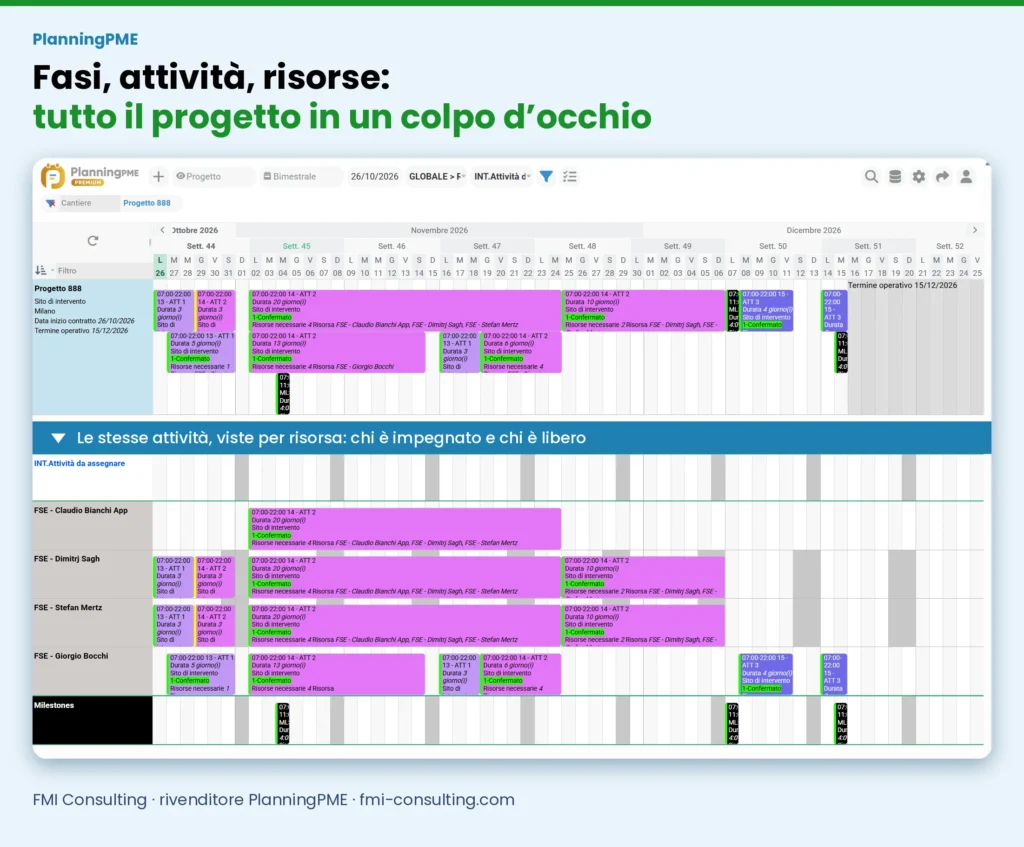
Build the project by phases and activities and check who is free as you assign each one, so conflicts show up before they become delays.
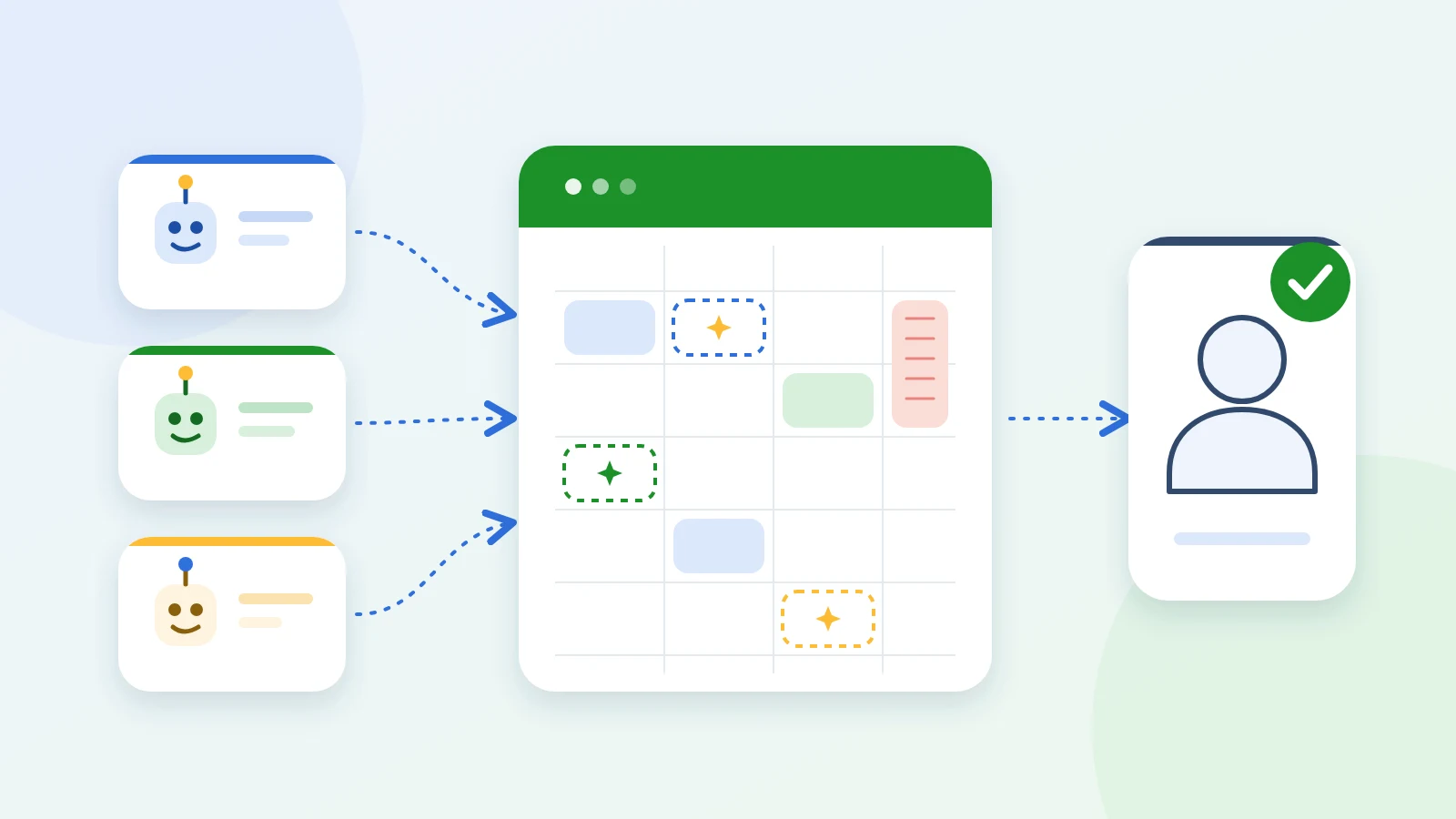 Guide · AI
Where AI helps, how reliable its answers are, and why people and rules come before tools, with recent data on Italian companies.
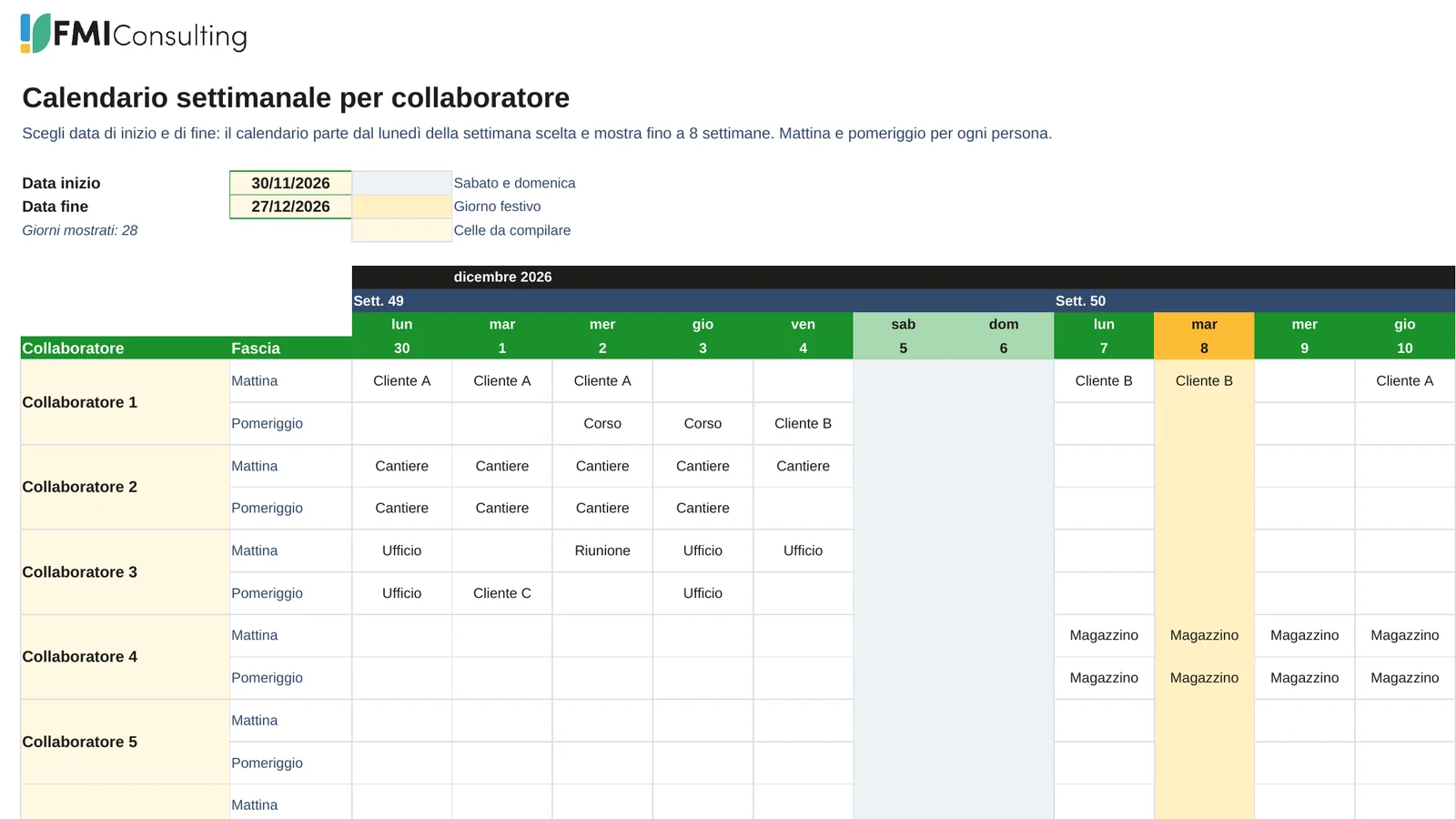 Free download · Excel
Five ready-made files for up to 10 people: weekly and monthly calendar, holiday plan, work shifts and a project Gantt, with weekends and public holidays shaded.
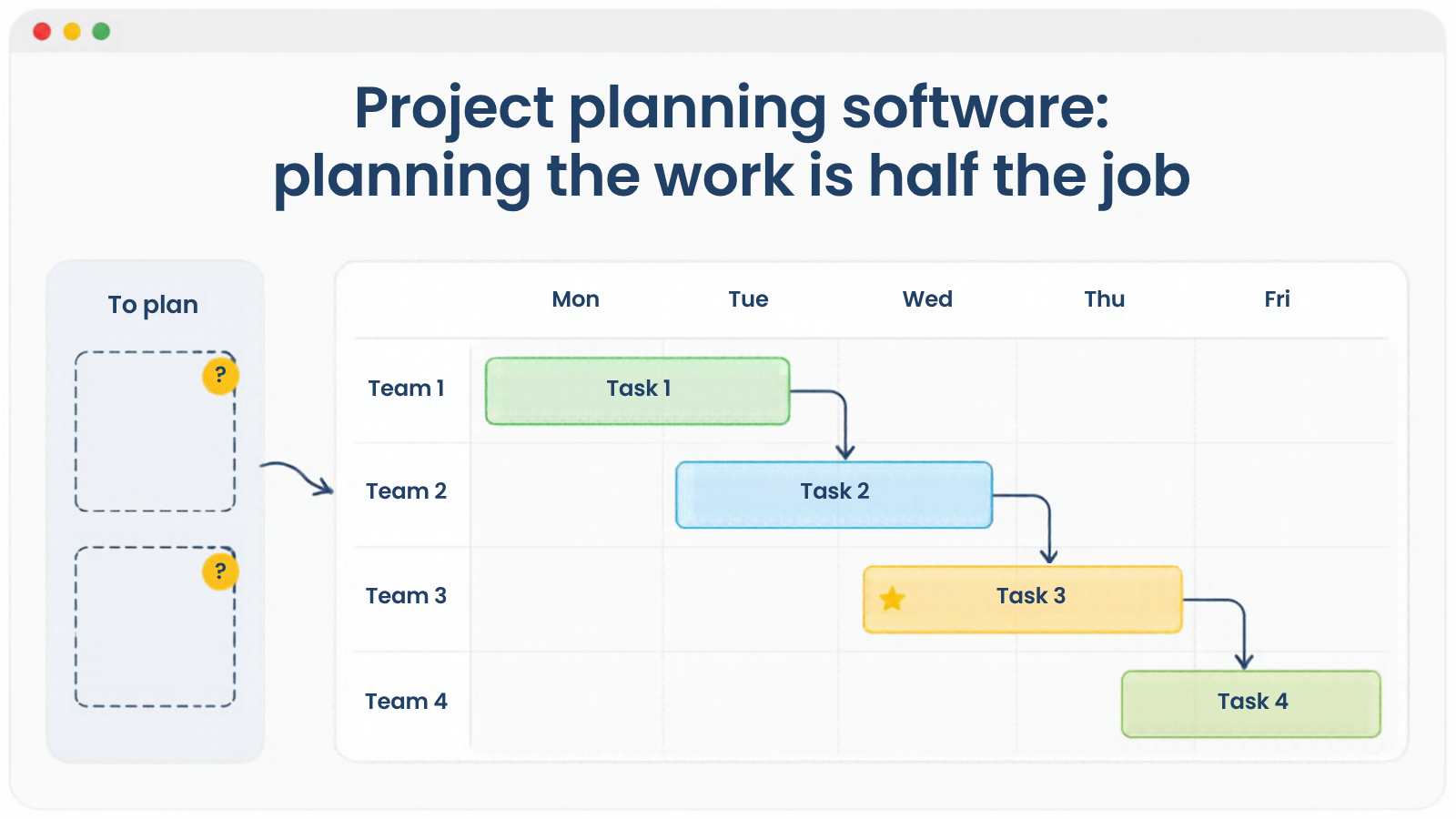 Guide · Project planning
Where a good project plan breaks on staffing, how to plan the sequence first and name the people later, and how PlanningPME sits next to your project tool.
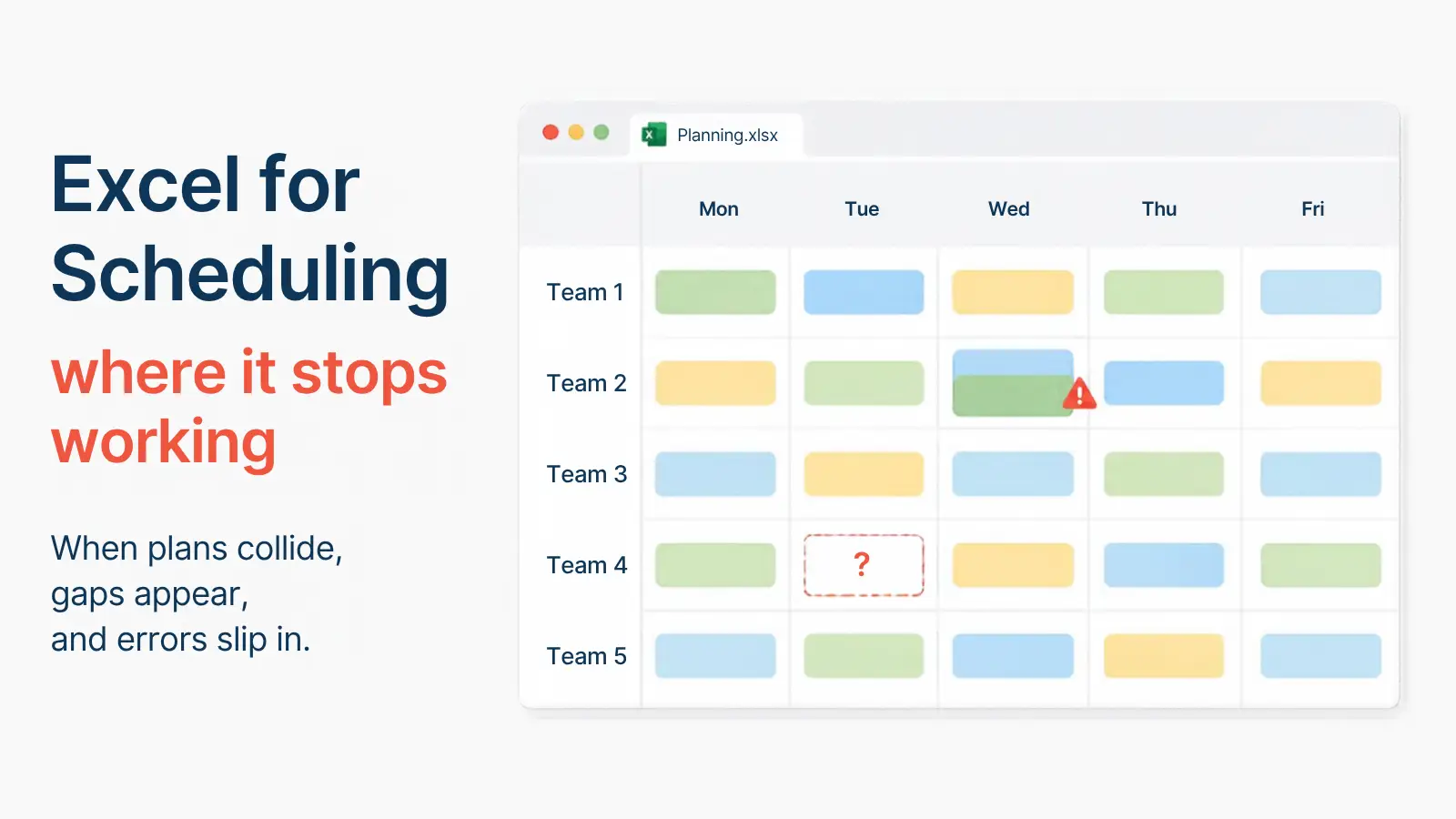 Guide · Spreadsheets
Where a spreadsheet is enough, where it stops, and how PlanningPME compares on sharing, absences, conflicts and skills, with a side-by-side table.
GPS clock-in does not measure working hours: it places a person at a work site. See why location matters in cleaning, construction, field service and more, and what a single check at clock-in does and does not do.
Find the product, the sector or the feature that matches the way you schedule.
The shared scheduling calendar for people, machines and vehicles.
Automations, analysis and ERP connection on top of PlanningPME.
See how scheduling works in your sector, from industrial assembly to cleaning.
Browse what the software does, feature by feature.
What our customers say and how the solutions helped them.
Tell us how you plan today and we will suggest the simplest next step.
Practical tips on planning with PlanningPME and PlanningConnect, directly on WhatsApp. No spam.
Following is optional and you can stop at any time. WhatsApp processes your data under its own privacy policy: you can find more information in our Privacy Policy.